
Roadmap
Track the development progress and see what's coming next
Animation
- ✓ Ability to save and load animations.
- ✓ Graphic to visualize animation keys transitions.
- Audio tracks.
Tools and Objects
- ✓ 2D and 3D text objects.
- ✓ 2D lights with support for normal maps.
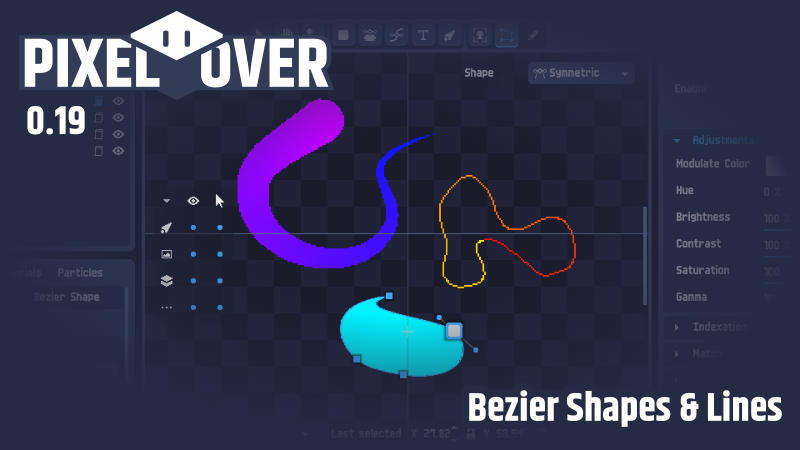
- ✓ Bezier shapes and lines.
- Fluids simulation.
- Physical bodies and bones.
- Constrain objects to follow defined path.
Pixelation and Effects
- ✓ Per object shader. For example, to add lines on each image.
- More available effects with a tool to place them easily.
- More pixel-art oriented resamplers.
Importation and Export
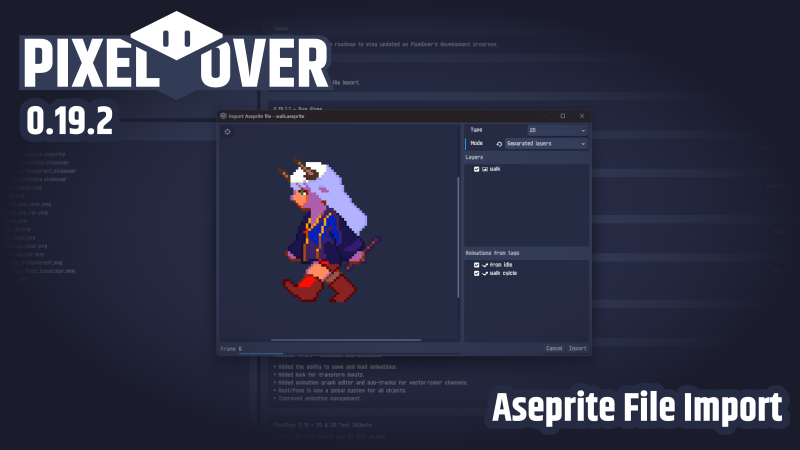
- ✓ Import Aseprite files.
- Import PSD files.
- Native SVG support.
- Export bones structure to JSON format.
Application
- Improved favorite system with thumbnail preview for shader, palette, dithering, ...
- Lighter project type. To batch pixelate files without any transformation.
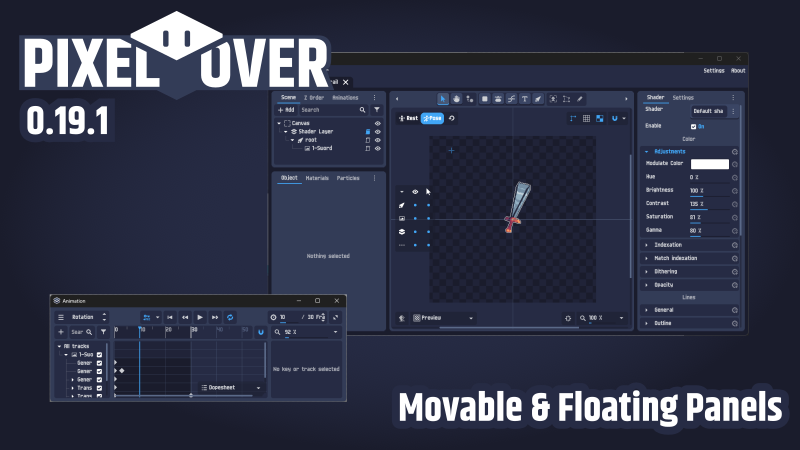
- Toggleable project panels and floating panel support.
PixelOver 0.19.2 - Aseprite File Import
- Aseprite files can now be imported flattened or layer by layer, in 2D or 3D, with their animations created from the file tags.
 View all changes →
PixelOver 0.19.1 - Movable & Floating Panels
- Panels can be moved from one dock to another, or detached into their own window.
 View all changes →
PixelOver 0.19 - Bezier Shapes & Lines
- Added the bezier shape object.
- Added the bezier line object.
 View all changes →
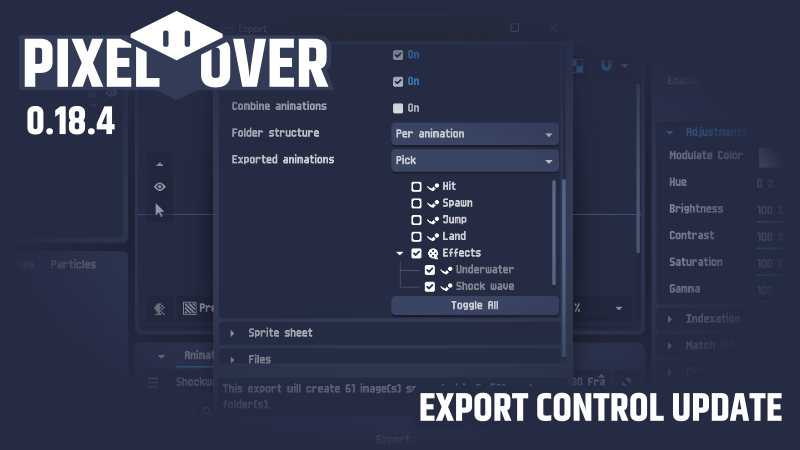
PixelOver 0.18.4 - Export Control Update
- More control over exports: custom file name order, folder structures, multi-axis auto rotation and more..
 View all changes →
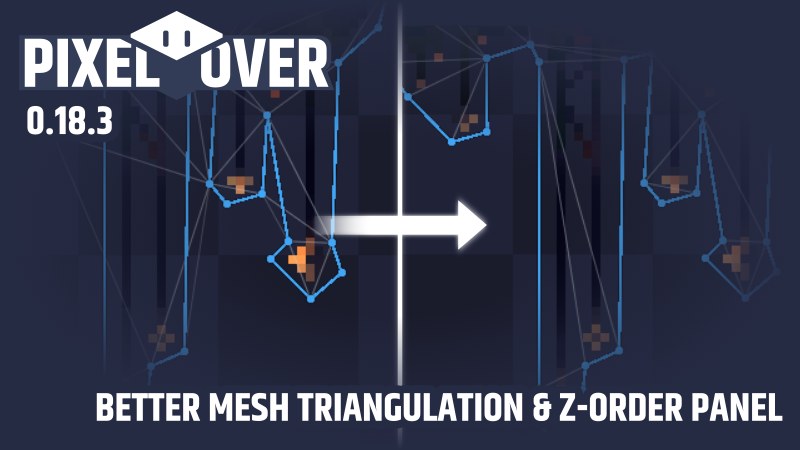
PixelOver 0.18.3 - Better mesh triangulation & z-order panel
- Z Order panel improvement.
- Improved 2D mesh triangulation.
 View all changes →
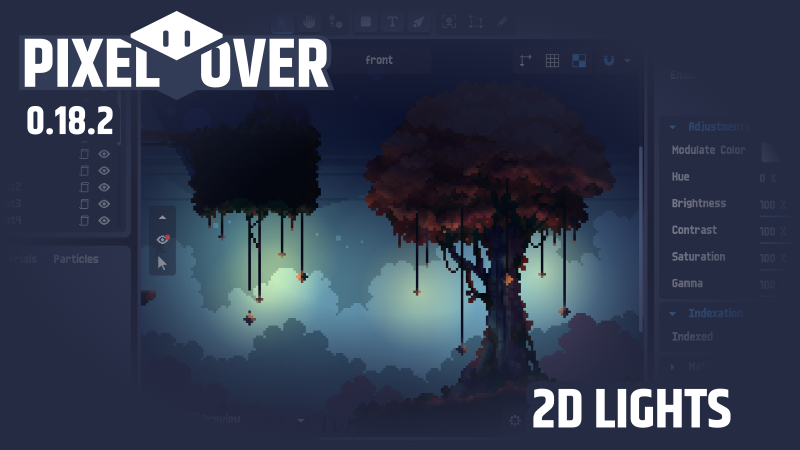
PixelOver 0.18.2 - 2D Lights
- Added 2D light object with support of normal maps and light occluder.
 View all changes →
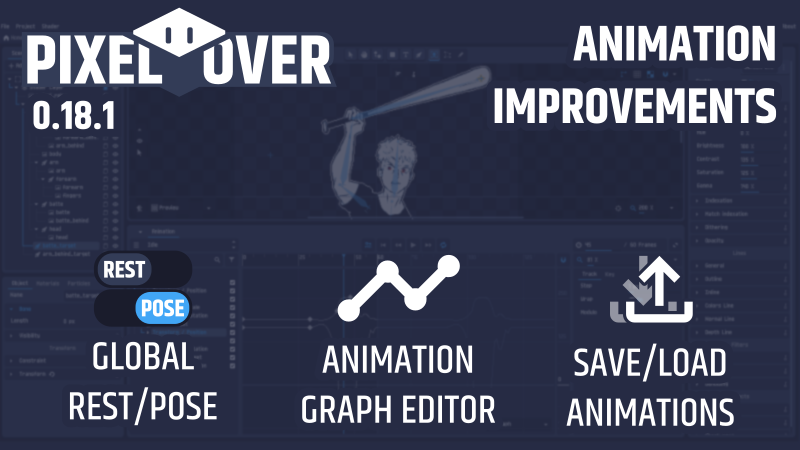
PixelOver 0.18.1 - Animation Improvements
- Added the ability to save and load animations.
- Added lock for transform inputs.
- Added animation graph editor and sub-tracks for vector/color channels.
- Rest/Pose is now a global system for all objects.
- Improved animation management.
 View all changes →
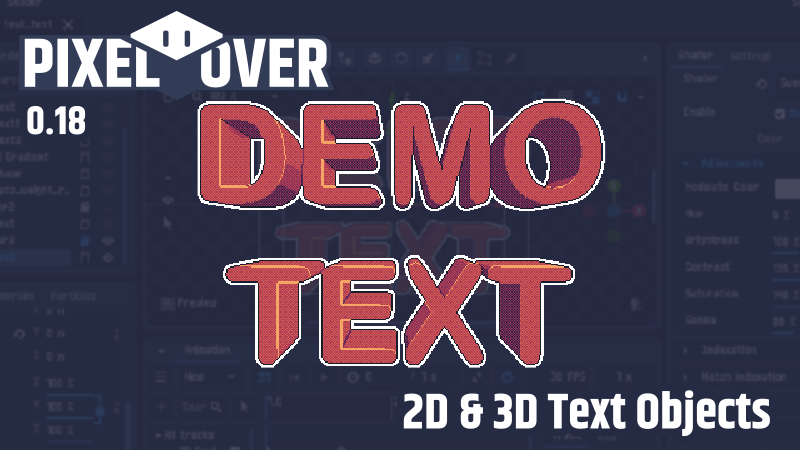
PixelOver 0.18 - 2D & 3D Text Objects
- Added 2D text object and 3D text object.
 View all changes →
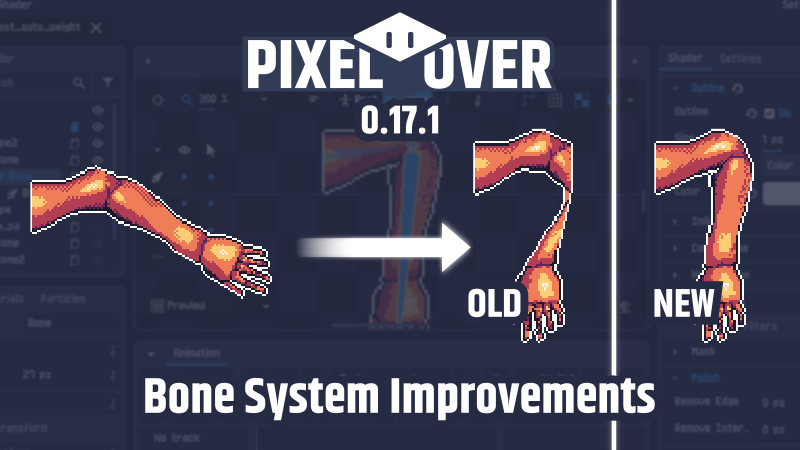
PixelOver 0.17.1 - Bone System Improvements
- Added a smooth tool for polygon deformation mode.
- Rewrote bones auto weight. Better weight map computation and bone area influence
- Improved rest/pose system with a toggle mode to allow changing the rest or pose transform via the interface.
- Multi-selection now allowed for bone weights.
 View all changes →
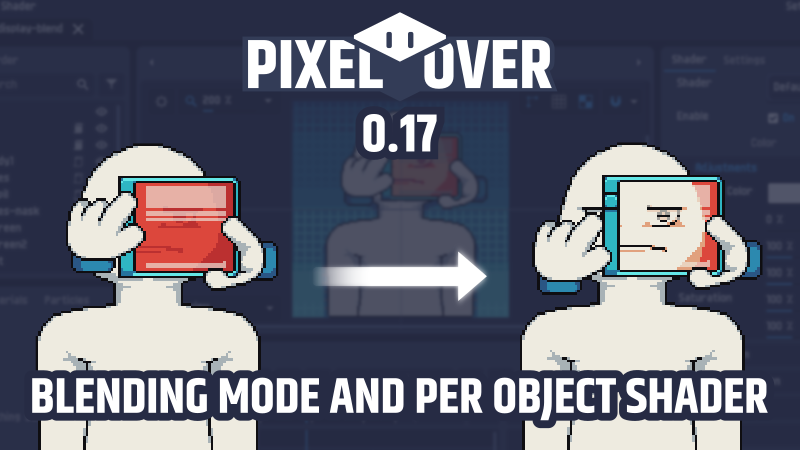
PixelOver 0.17 - Blending mode and per object shader
- Blending mode for layers and 2d objects.
- Per-object shaders. This feature is especially useful for tasks like adding a separated outline to each element of a bone chain.
 View all changes →
PixelOver 0.16.1 - Canvas rework
- Rework of the canvas to make it more intuitive.
PixelOver 0.16 - Drawing tool
- Drawing tool. Added the ability to draw and edit on layers and images.
PixelOver 0.15.2 - New documentation website and improved home page
- New documentation website with enhanced organization and search capabilities.
PixelOver 0.15.1 Inverse Kinematics 3D
- Inverse kinematics chain constraint for 3D bones
PixelOver 0.15 3D bones animation
- 3D bones. Added 3D bone object. Added an option in the 3D scene to modify the bones poses.
- Added a rotation gizmo for 3D layers. Layers can also be rotated using `shift+middle click` shortcut.
PixelOver 0.14.5 Depth displacement improvements
- Depth displacement improvement. Possibility to add a different back image, depth map, and normal map.
PixelOver 0.14.4 Sprite sheet improvement
- Improved the sprite sheets import, export, and synchronization.
PixelOver 0.14.3 Depth displacement for 3D image
- Vertex displacement on 3D images and animated images using a depth map texture.
PixelOver 0.14.2 Palette and gradient interpolation
- Animate any resource in the timeline. Some resources also support interpolation (palette, gradient).
PixelOver 0.14.1 FBX and DAE 3D imports
- New supported formats for 3D scene import (.fbx, .dae).
PixelOver 0.14 Material shader edition
- 3D material edition. With shader parameters (allowing for example to add an indexation palette per material)
- Added copy/paste for resources.
PixelOver 0.13.1 3D Image
- Added 3D image and animated image.
- Added a menu to convert object to another type.
PixelOver 0.13 Particle systems
- Particle systems for images, shapes and 3D models.
PixelOver 0.12.3 Improved trails
- Trails now work on 2D and 3D meshes. Performance also greatly improved.
PixelOver 0.12.2 3D Lights
- Added 3D Lights (point, spot and directional).
- Added more 3D shapes parameters to be able to create cone for example.
PixelOver 0.12.1 Engine update
- PixelOver migrated from Godot 3.4 beta to 3.5.1.
- New features for the view UI.
PixelOver 0.12 Mesh deformation
- Mesh deformation for any images and animated images (with native pixel art too).
- Native file dialog.
PixelOver 0.11.1 Undo/redo improvement
- Improvement/fixes mainly for undo redo behavior.
PixelOver 0.11 Inverse kinematics
- Inverse kinematics for 2D bones.
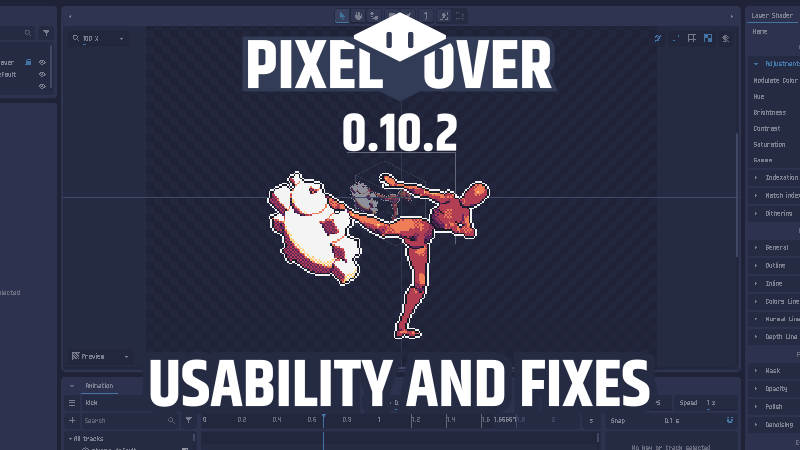
PixelOver 0.10.2 Usability and fixes
- Added export progress dialog. Show the exact progress and ability to cancel the export.
 View all changes →
PixelOver 0.10.1 Huge performance improvement
- The whole architecture has been rewritten. Load faster, don't crash anymore on big projects, use less memory.
PixelOver 0.10 Gradient and dithering patterns
- Gradient for filling 2D objects and lines.
- Dithering patterns. Patterns can be separated to be more intuitively modified.
PixelOver 0.9.2 Theme customization
- Theme customization. Blue, dark and light as default and color customization.
PixelOver 0.9 Animated 3D
- GLTF 3D scene import.
- List of shortcuts with possibility of keybindings.
- Added multiple languages support
PixelOver 0.8.3 Views and backups
- Separated layers and Views for export (normal buffer, depth buffer,...).
- Backup session files.
- Polish line and internal edges.
PixelOver 0.8.2 Performance improvement
- Paste image from clipboard.
PixelOver 0.8.1 Materials improvement
- Materials are now easier to manage for 3D mesh.
PixelOver 0.8 Static 3D
- Static 3D support.
- Color cycling.
- Clipping mask.
PixelOver 0.7.2 Steam Early Access
- PixelOver now on Steam.
- Filtering objects.
PixelOver 0.7.1 New home page and fixes
- New home page.
- Animated image auto create animation.
PixelOver 0.7 Parent-child scale and skew
- Parent-child skew and scale.
- Custom canvas position and offset.
- Aseprite export.
- Tiled mode.
PixelOver 0.6.1 Minor changes and fixes
- Tool to set a new parent for selected objects.
- Flip image Horizontally and vertically.
PixelOver 0.6 Bones and trails
- Bones. Rig, set rest pose and animate.
- Trails. Set a trail which work with animation.
PixelOver 0.5 Shapes and effects
- New animable effects : water and shockwave.
- Shapes. Make pixel perfect rectangle, rounded rectangle and circles.
PixelOver 0.4 Key animation and animated images
- Import gif, spritesheet or multiple images in PixelOver. New panel to manage multiple animations. (ex: Idle, Running, ...)
- Use key animations to animate the shader. Useful for example to make an animation of a pixel perfect scaling effect.
PixelOver 0.3.2 Multi selection
- Multi selections. You can select multiple objects with shift key or with mouse selection, then you are able to modify the inputs as a single object or a group.
PixelOver 0.3.1 Synchronization and fixes
- The application will automatically tell when a new version is available and will display last news.
PixelOver 0.3 Scene composition
- Multiple images with parent-child relation.
- Multiple layers allowing you to put different pixelation settings. (palettes, adjustments, etc...)
- Copy, paste system. Also works cross project.
- Visibility and opacity for objects.
PixelOver 0.2 Advanced transform
- Pixel perfect rotate and transform.
- Grid and snap system.
PixelOver 0.1.1 Settings menu, Mac version and fixes
- PixelOver now on MacOS.
- Settings menu.
PixelOver 0.1 released!
- Convert image into pixel art: Inputs to adjust colors, manage image palette, put inline and outline and other filters in real time to help you make the best pixel-over from an artwork.